Intro
Looking for the right retro handheld: what I’ve learned after half a year of testing
When I first started looking for a retro handheld, the goal was simple: a device I could quickly play a game on, that would fit in my pocket, and that was suitable for both Game Boy and SNES games. But even though it seemed like a simple search, I quickly found out there was a huge range, and I ended up deep in the world of emulation handhelds. I’ve now tested more than 20 different devices and after half a year of experimenting I’ve picked up a lot of valuable insights.
I know how overwhelming the range can be, so I want to share my knowledge with you. If you don’t want to put in the same amount of time and effort to figure out the perfect handheld, you’re in the right place. In this guide I’ll share my experiences and give you tips to make the right choice, without having to wade through the maze of specs and opinions.
The choice in device orientation
TL;DR
Horizontal: Comfortable for longer sessions, good for games with lots of buttons.
Vertical: Nostalgic, compact, perfect for shorter sessions.
Clamshell: Protected and portable, but sometimes fragile at the hinge.
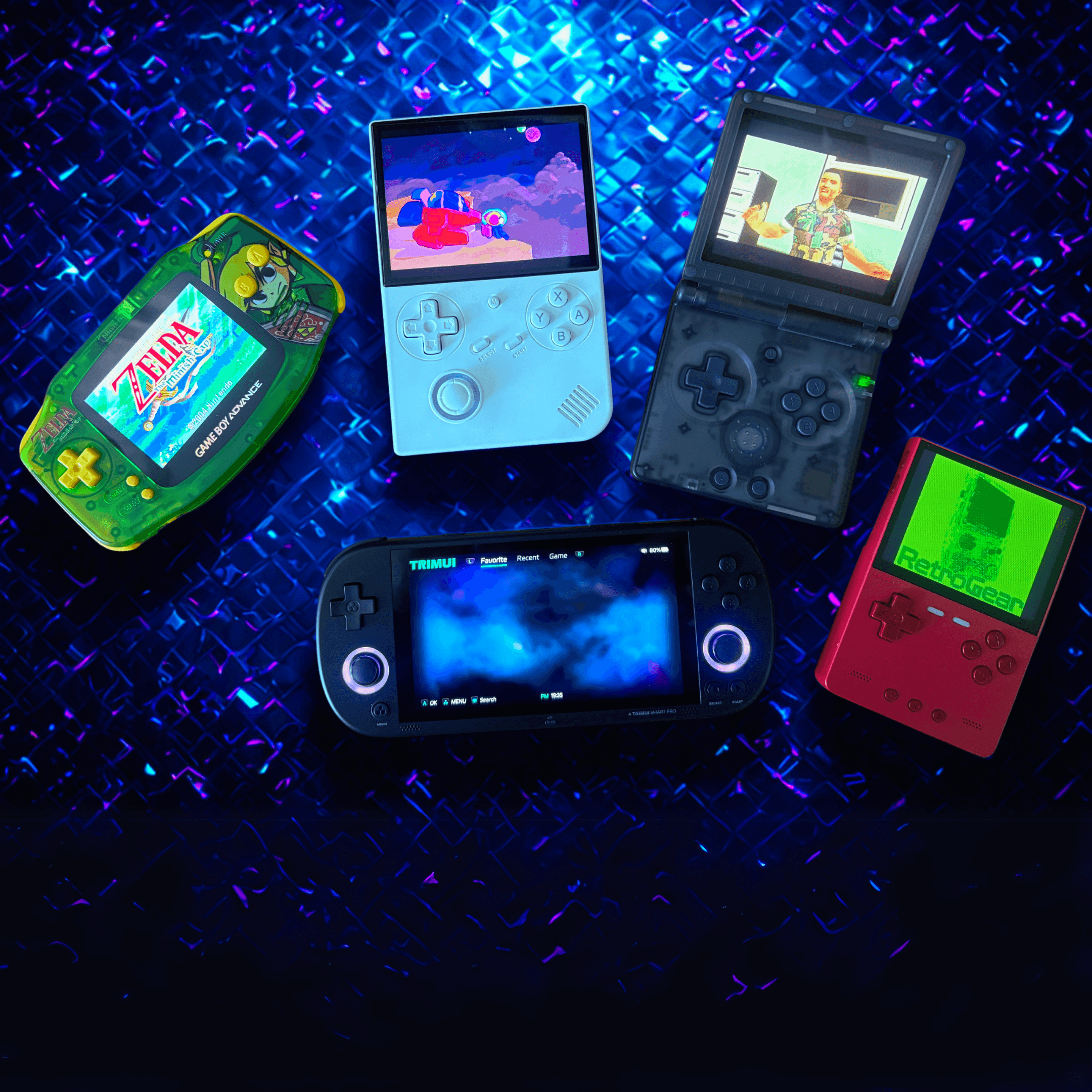
The first choice is perhaps finding the right handheld orientation. I myself started my search with a bias towards vertical handhelds. Probably because as a child I always played on Game Boys, up to the Game Boy Color. Those are vertical handhelds, or ‘portrait’ consoles.
I’ll tell you straight away that these are not necessarily the most ergonomic handhelds. Especially if you want to play systems that make heavy use of the R and L buttons. For example, I tried to play Street Fighter on my Miyoo Mini Plus, but I honestly find that unplayable.
Vertical handhelds
If you go for one of these retro handhelds, there are plenty of pros and cons. What’s cooler than an old-school Game Boy? Nothing, right? This type of device is perfect to take with you, and if you play games on it that use a simple button layout, this orientation is ideal. Platformers from the Sega, NES and SNES, for example, play brilliantly on it. Systems like the NeoGeo are also very suitable for these devices, provided you have an analogue stick.
You can also easily slip them into your trouser pocket. This is where my Miyoo Mini Plus has spent a large part of its life. By now I’m on to my next portable: the TrimUI Brick. That mostly lives in the inside pocket of my jacket or in a compartment of my rucksack. It’s a slightly more premium device, and because of that I feel like I need to be a bit more careful with it.
But the Game Boy lookalikes definitely have downsides too. As I said: for some games the buttons just don’t sit right. I also think a vertical handheld with two sticks often looks a bit “odd”. The placement of joysticks is sometimes just strange. And what I often read on forums: for people with bigger hands they’re not necessarily comfortable.
Horizontal handhelds
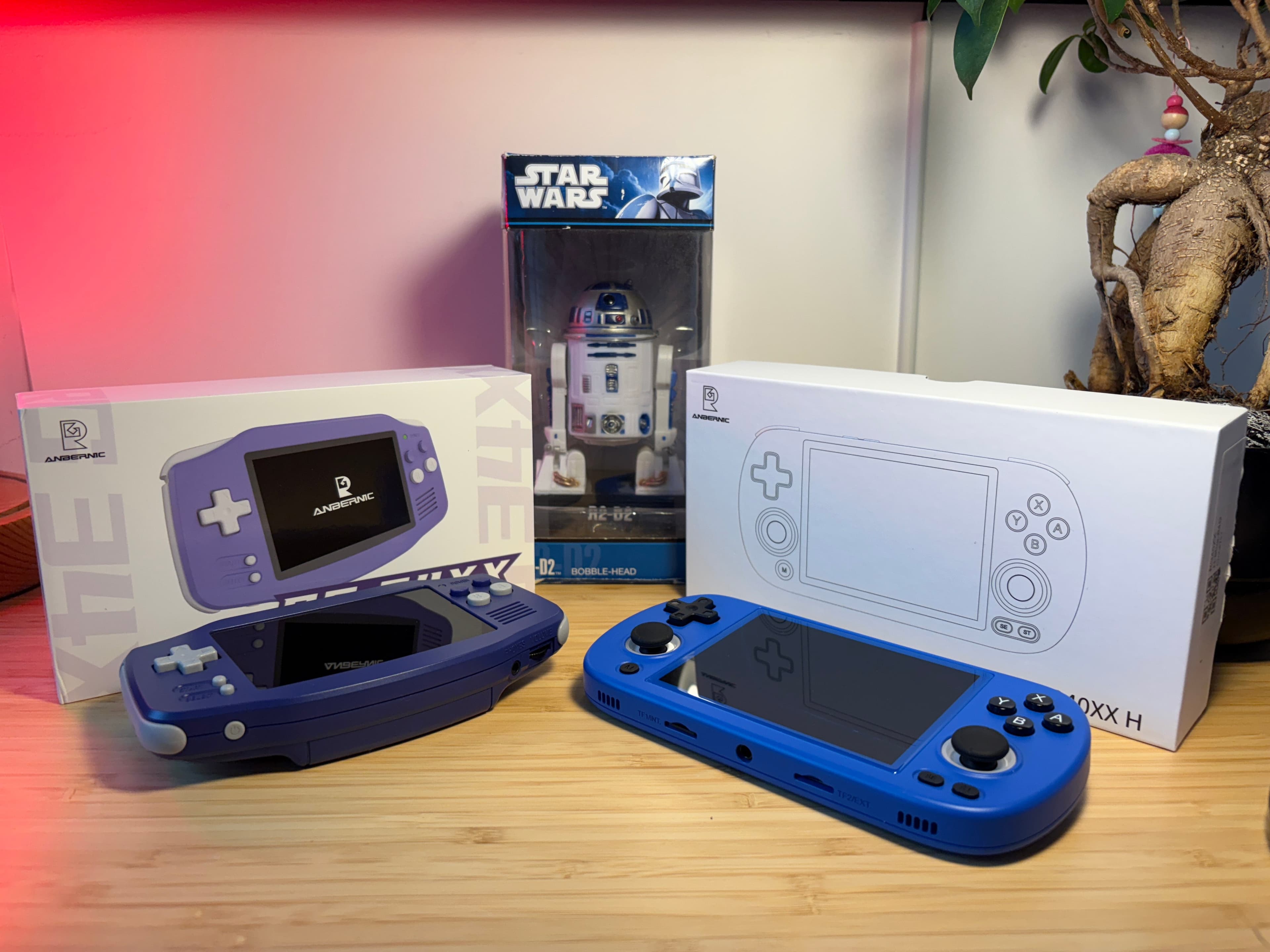
I’d say these systems are very suitable for most styles of games. Just like a good joystick for your PS5, these handhelds are usually set up perfectly to hold comfortably. A popular choice in my webshop is the TrimUI Smart Pro, but the Anbernic RG40XXH does well too.
Games with advanced camera controls become much more accessible on these devices. Think FPS or third-person games. On many horizontal handhelds there isn’t even a joystick, so you’re quickly limited.
So are these consoles perfect for gaming on the go? No. They’re often quite a bit larger and not necessarily handy to carry in your pocket. Although of course that depends on your choice. The RG34XX for example fits just fine, but then again it doesn’t have any joysticks.
Clamshell
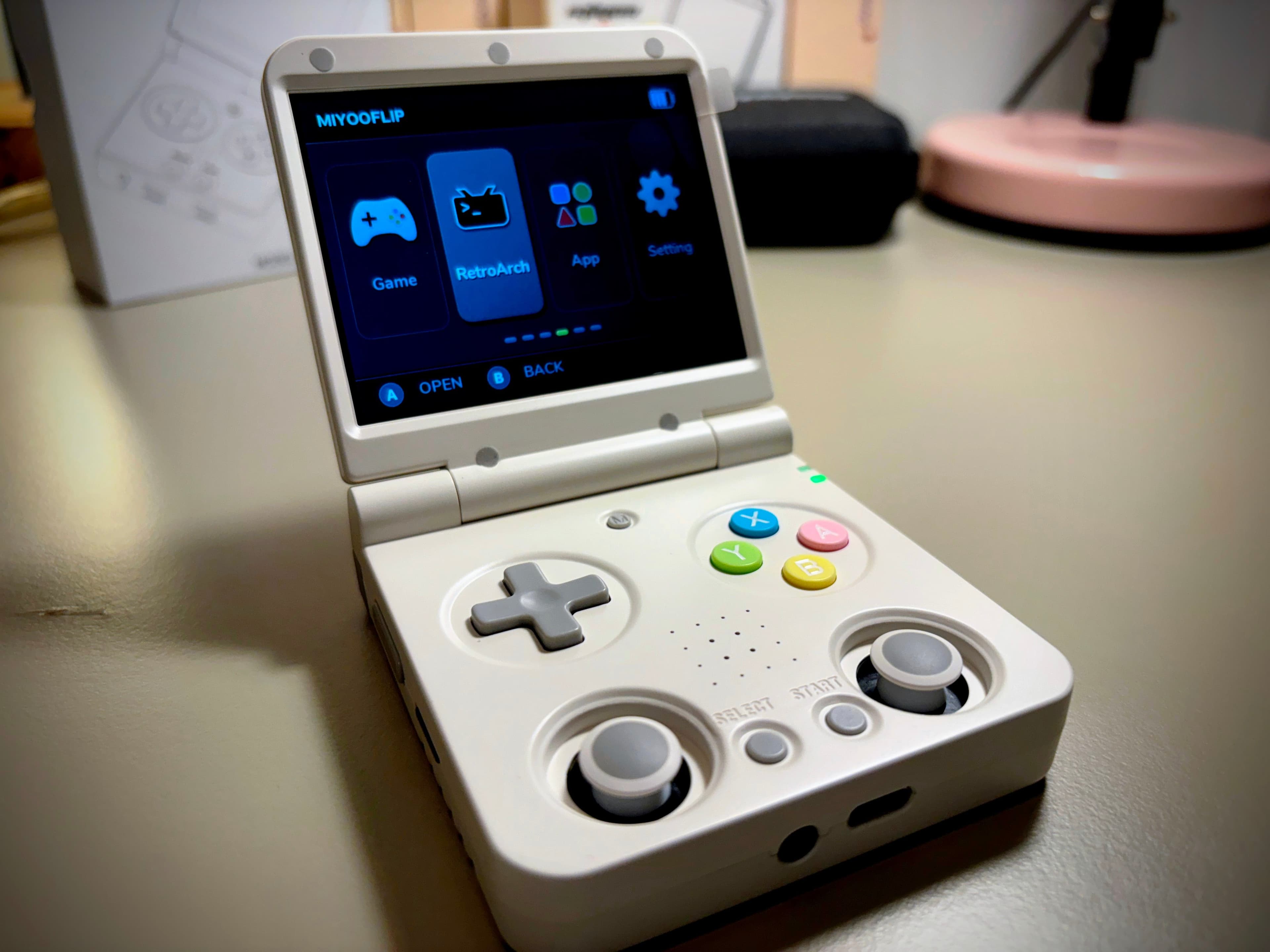
And of course there’s also the third option: the clamshell. Although less popular than the other two, this form factor definitely offers advantages. By nature the screen is protected because it folds shut. That makes them hugely suitable to carry around — just chuck it in your bag, no problem.
I think it’s a nostalgic design. Devices like the Miyoo Mini Flip remind me of consoles from the 2000s. Think of the Game Boy Advance SP or the Nintendo DS. They had a cool sci-fi vibe; that retro-futuristic aesthetic really appeals to me.
A big downside is that they often have hinge issues. However, manufacturers often find solutions after a few iterations. For example with Anbernic: the RG35XXSP was plagued by teething troubles, hinge issues, batteries getting too hot and charging problems, but in the latest versions these issues have been sorted out. In the sub-100-euro handheld segment this may well be the best clamshell.
Pocketability: which size handheld suits you?
After choosing a form factor, it’s wise to think about the size of the device. Size determines not only whether it fits easily in your pocket, but also how comfortable the gaming itself is. In my search, and after testing 20+ handhelds, I’ve run into a few categories.
Compact (super pocketable)
These are the really tiny ones. Think of handhelds like the Miyoo Mini Plus or the TrimUI Smart. These devices are so small that they fit in your trouser pocket without any trouble, a bit like your phone.
When I took my Miyoo Mini Plus on holiday, I sometimes even forgot it was in my jacket pocket. Ideal for quickly playing a bit of Mario in between. Despite the 3.5-inch screen, I still think the MM+ falls into the compact category; the screen-to-body ratio is impressive. Thanks to the ultra-thin bezels, the screen almost runs right to the edges.
Features:
Super portable
Ideal for short play sessions
Less suitable for games that require lots of buttons or sticks
Screen sizes up to 3.5 inches
If you mainly play on the go and want to have your handheld with you at all times, this is really a top choice.
Medium-sized (pocketable)
This includes handhelds like the Anbernic RG35XX. Slightly bigger and wider, but with clearly better grip and more room for larger screens and more comfortable buttons.
I myself often use my Anbernic RG40XXV when I know I have to travel for a longer time, for example by train. The device just about fits in the inside pocket of my jacket or a slightly looser trouser pocket, but feels just a bit more serious than the super tiny ones.
Features:
Still reasonably portable
More comfortable for longer play sessions
Usually screen sizes between 3.5 and 4 inches
Better for systems like SNES, GBA and PS1
If you want to game comfortably both on the move and at home, this is perfect.
Large (not pocketable)
Think of models like the Anbernic RG405M, Retroid Pocket 4 Pro or even the Nintendo Switch Lite. These devices are really designed for serious gaming sessions. Not something you just quickly slip into your trouser pocket.
That said, my Switch does often come with me on the train or in the car.
Features:
Not suitable for trouser or jacket pockets
Offers larger screens and much better ergonomics
Usually screen sizes of 4.5 inches and up
Perfect for long play sessions and more modern emulation, such as PSP and Dreamcast
My tip: first think about how often you’ll really game on the go. If you mainly play at home or take your handheld with you in a backpack, you can comfortably go for a larger handheld. Do you really want an ‘always with you’ device? Then you’re guaranteed to get the most enjoyment out of an ultracompact model like the Miyoo Mini Plus.
Operating systems: complicated? Not after this.
When I started testing retro handhelds, I thought the hardware was the most important choice. But I soon discovered that the software is at least as decisive for your gaming experience. The operating system determines how smoothly your games run, how clear your menus are and how much you can tweak.
OnionOS – for the Miyoo Mini and Miyoo Mini Plus
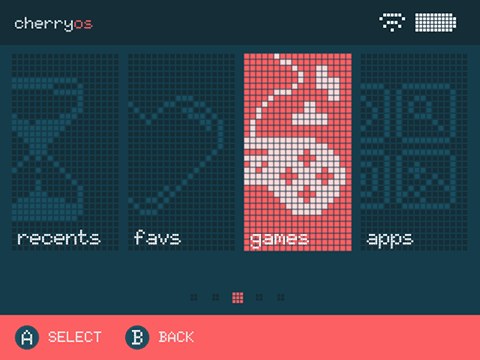
TL;DR: Sleep and resume… that’s it… amazing!
When I discovered OnionOS, a whole world opened up for me. This software takes the user experience to another level. Think fast load times, automatic save states and an intuitive interface. With the power button you put the device into sleep mode and can carry straight on where you left off.
I also appreciate the ability to customise your system entirely to your liking. From themes to hotkeys: OnionOS makes it all possible. If you have a Miyoo Mini or Mini Plus, this OS is a no-brainer.
MinUI – minimal and fast
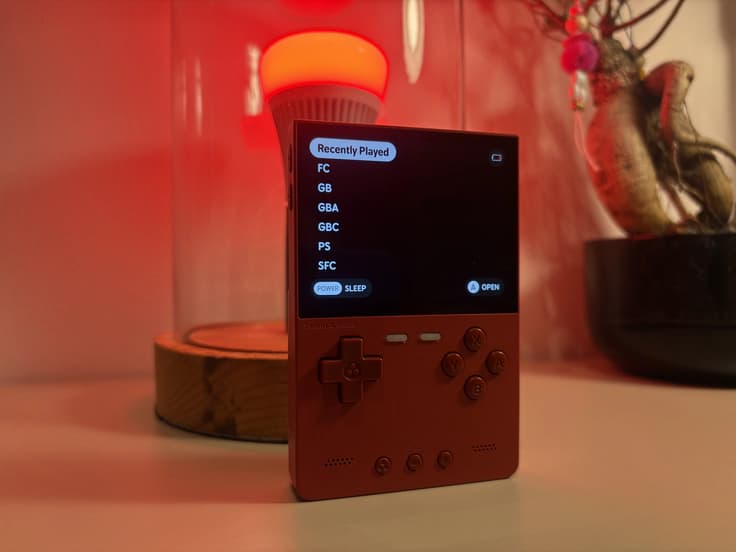
TL;DR: Simple, sleek and fast.
When I tested the Anbernic RG35XX, I came into contact with MinUI. This launcher is designed with simplicity and speed in mind. No unnecessary fuss, just a clean interface that does what it’s supposed to do.
What I like about MinUI is the direct access to your games and the smooth navigation. It’s ideal if you like a clean and functional design without distractions. You simply put your ROM and BIOS files in a folder, after which MinUI takes care of the rest.
NextUI – MinUI with a big upgrade
After working with MinUI for a while on my TrimUI Brick, I was curious what else was possible. That’s when I discovered NextUI, a real upgrade on top of MinUI.
It combines the familiar speed of MinUI with a more extensive user interface, better theming options and extra features such as an advanced favourites list, better battery display and support for multiple skins.
What I personally liked was how easy it is to switch between lists and consoles. It feels just a bit more modern, without becoming cumbersome or complicated. If you already like MinUI but want a bit more in terms of ease of use and looks, NextUI is worth a look.
MuOS for the purists
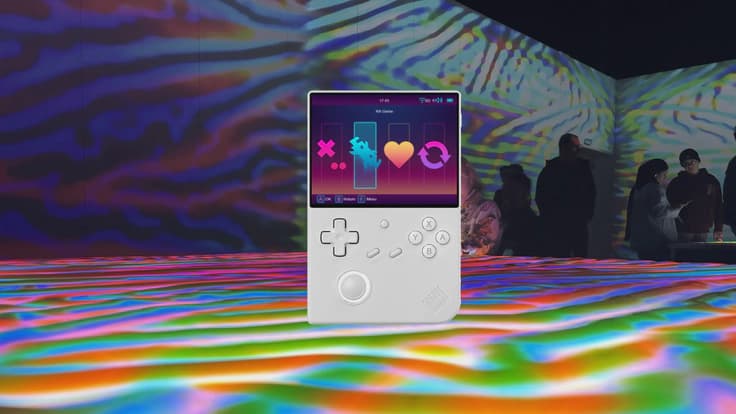
TL;DR: Looks simple, but can do a lot.
On the Anbernic RG35XX Plus I decided to try MuOS. This firmware is based on RetroArch and focuses on users looking for a pure and uncomplicated experience.
MuOS offers a minimalist interface without distractions, but beneath the simple menus there are lots of customisation options. From skins to sleep-resume and the ability to use a different BIOS for different games.
What’s the best choice?
Pfff… a bit much info, huh? If you’ve lost your way, I’ve got a few personal recommendations here.
Have you gone for horizontal? Then the TrimUI Smart Pro is a good option in combination with CrossMix-OS.
Prefer a vertical handheld? Then go for a Miyoo Mini Plus with OnionOS, or the more premium TrimUI Brick.
Clamshell? The RG35XXSP is definitely the best option until the Miyoo Flip gets a bit more solid.
Has this guide helped you? Please share it on social media. If you have a question or comment, let us know in the comments or send an email.
Thanks for reading and let’s build the community into something great together!
Shout-out to RetroReady.nl. For honest reviews of pretty much all retro handhelds, that’s the place to go. And of course: if you’re looking for a new emulation handheld, original console or modded console, check out the RetroGear webshop too.
— Jorne